javascript30 - 10 - Hold Shift and Check Checkboxes
10 - Hold Shift and Check Checkboxes
[FinalFile실행 결과]
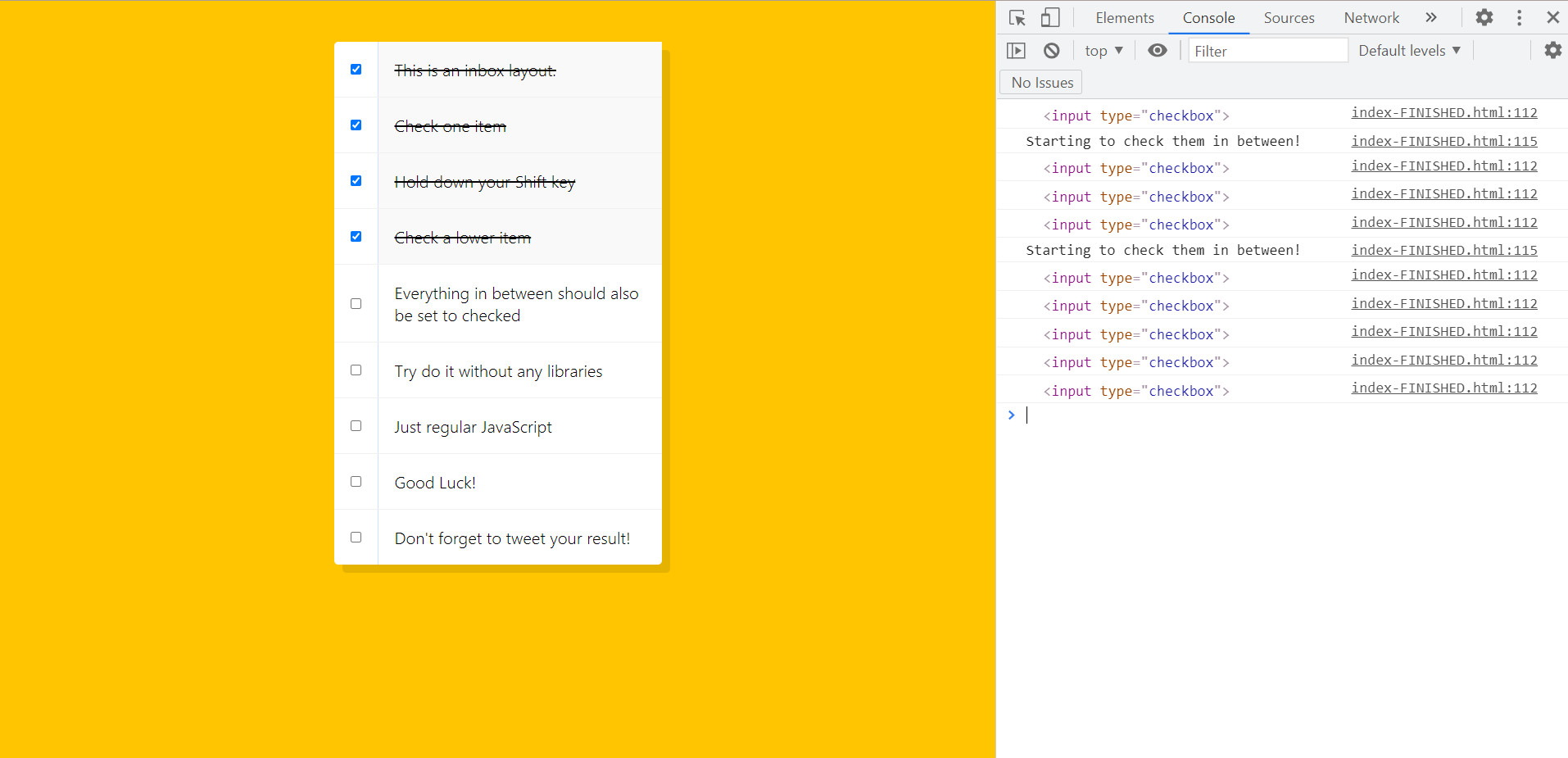
나의 js코드
JS코드
let items = document.querySelectorAll(".item input[type=checkbox]");
let lastClickIndex = items.length - 1;

function toggleClick(e) {
  // console.log(e.target);
  if (e.shiftKey) {
    var min = lastClickIndex > e.target.id ? e.target.id : lastClickIndex;
    var max = lastClickIndex <= e.target.id ? e.target.id : lastClickIndex;
    for (var i = min; i <= max; ++i) items[i].checked = true;
  }
  lastClickIndex = e.target.id;
}
for (var i = 0; i < items.length; ++i) {
  items[i].id = i;
  items[i].addEventListener("click", toggleClick);
}
정답 코드
const checkboxes = document.querySelectorAll('.inbox input[type="checkbox"]');

let lastChecked;

function handleCheck(e) {
  // Check if they had the shift key down
  // AND check that they are checking it
  let inBetween = false;
  if (e.shiftKey && this.checked) {
    // go ahead and do what we please
    // loop over every single checkbox
    checkboxes.forEach((checkbox) => {
      console.log(checkbox);
      if (checkbox === this || checkbox === lastChecked) {
        inBetween = !inBetween;
        console.log("Starting to check them in between!");
      }

      if (inBetween) {
        checkbox.checked = true;
      }
    });
  }

  lastChecked = this;
}

checkboxes.forEach((checkbox) =>
  checkbox.addEventListener("click", handleCheck)
);
inBetween을 사용하여 선택한 체크박스 사이의 체크박스만 선택할수 있다.
그리고 checkbox === this처럼 객체간 비교가 가능하다는 것을 알게되었다.
